MOO
Building a new customisation experience for branded products — moving from a sales-led form experience towards an interactive online tool.

From lead form to product experience.
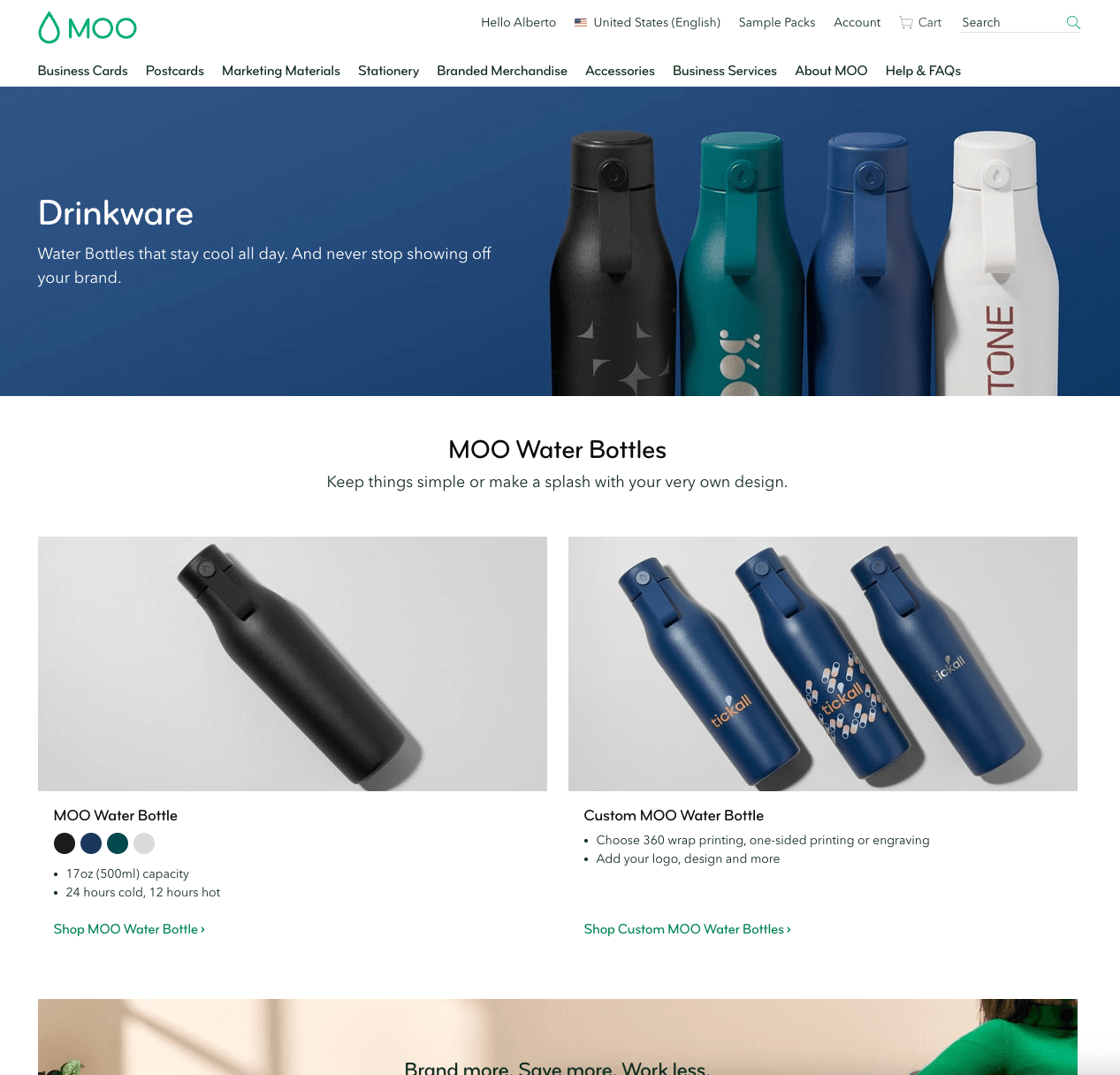
MOO aimed to expand its branded merchandise range with customisable notebooks, water bottles, journals, and planners. The challenge was to transform a simple, sales-led form into a fully interactive online customisation tool, the project was delivered in multiple phases.
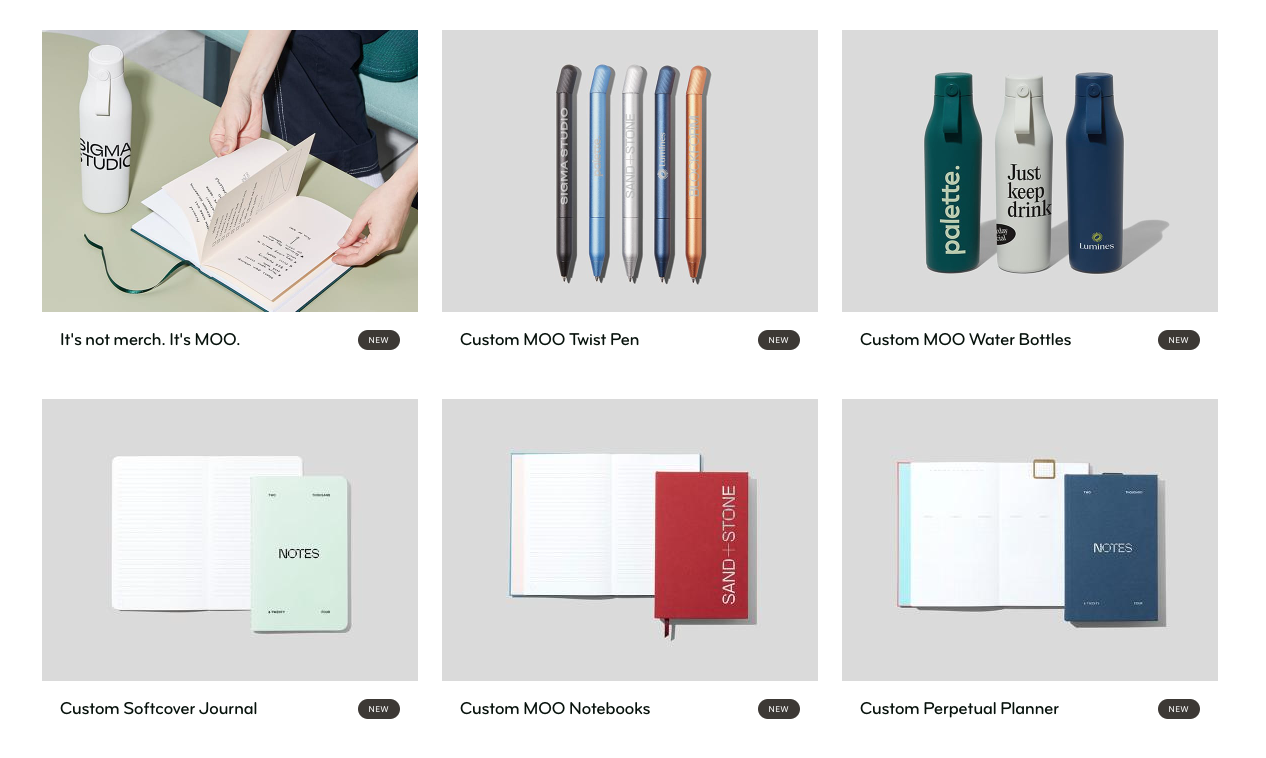
Previous phases, from Forms to Online Customisation
Initially, MOO relied on forms for customers to submit their requirements, allowing the sales team to follow up by phone or email.
In Phase 1, I helped develop an MVP that enabled customers to select customisation options and upload artwork directly on the website. Through research and stakeholder collaboration, I balanced user needs with technical constraints, while refining content and key touchpoints to make the new process easier to understand and navigate.
Initial stage
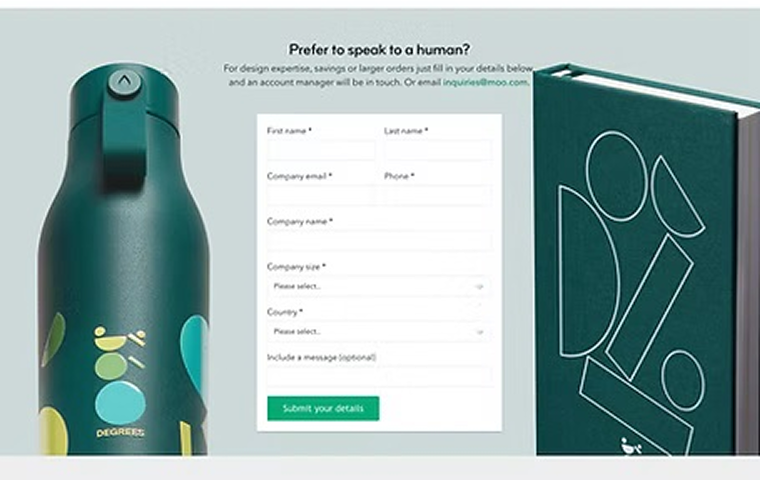
The original sales-led enquiry form.
Phase 1
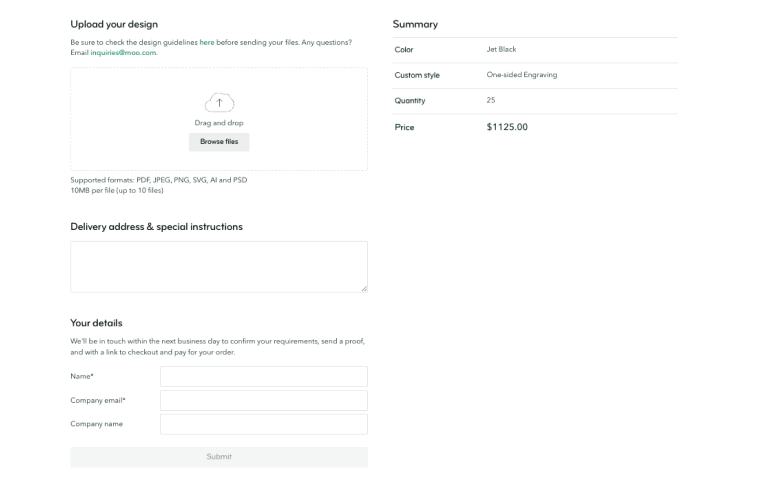
The first online customisation flow.
Final phase - Case study
I gathered requirements, reviewed previous research and competitor patterns, then worked with the UX team, Product Manager and developers in workshops. Mapping alternative journeys helped us understand where the new experience could create friction.
Process
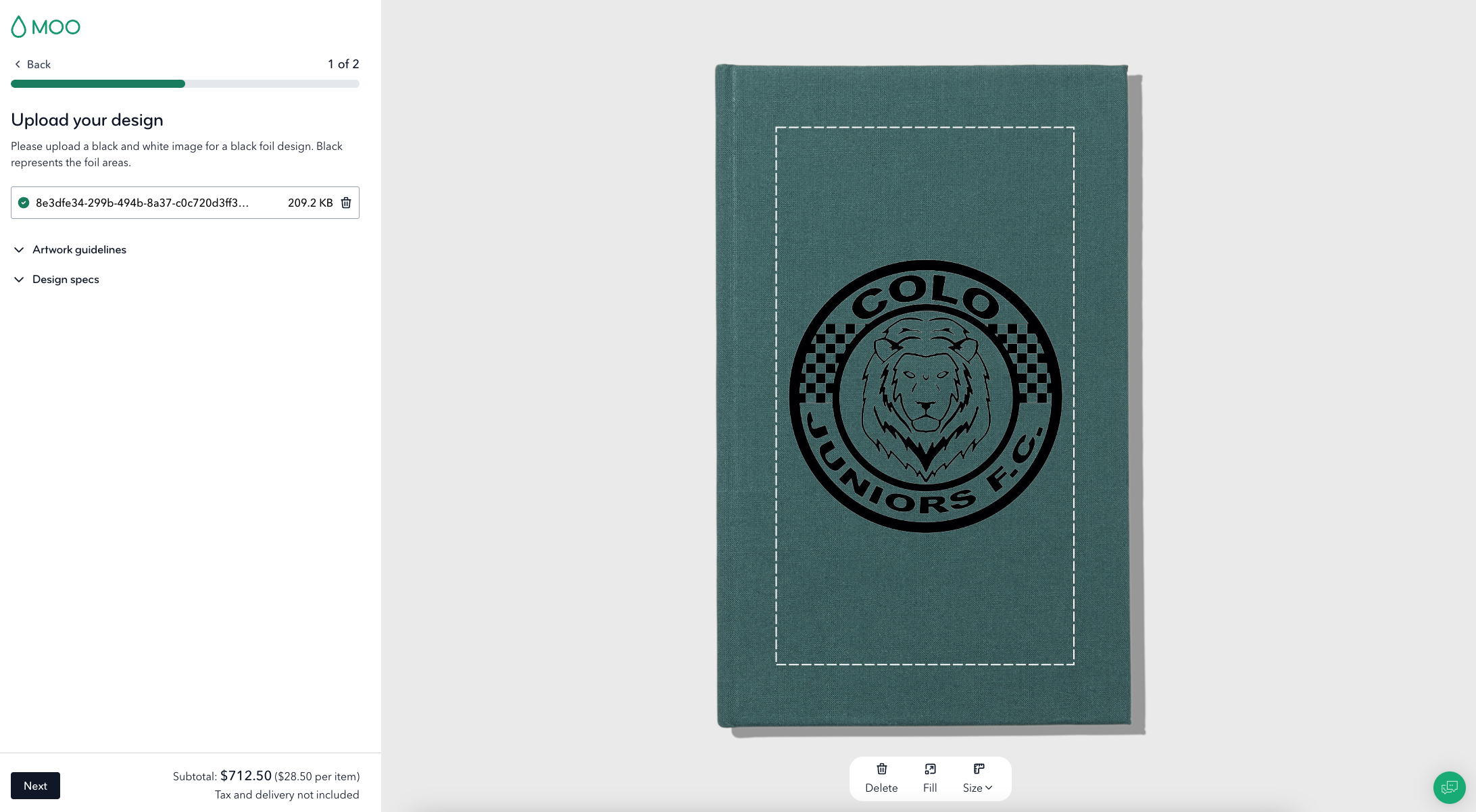
Desktop
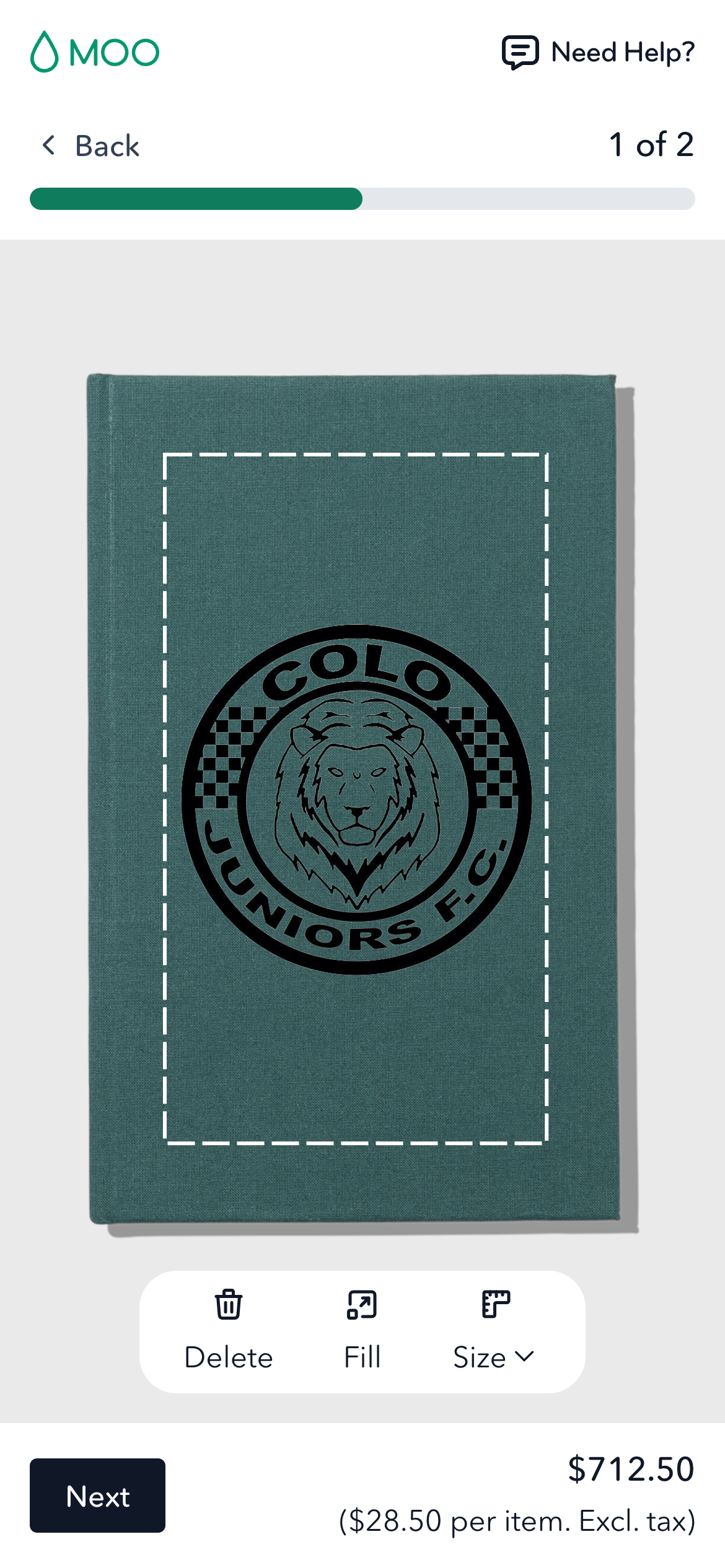
Mobile
Research
I combined insights from previous research, competitor analysis, workshops, and user journey mapping to identify pain points and define requirements. We prioritised an MVP to deliver quickly, gather feedback, and validate the experience with real users.
Design & iteration
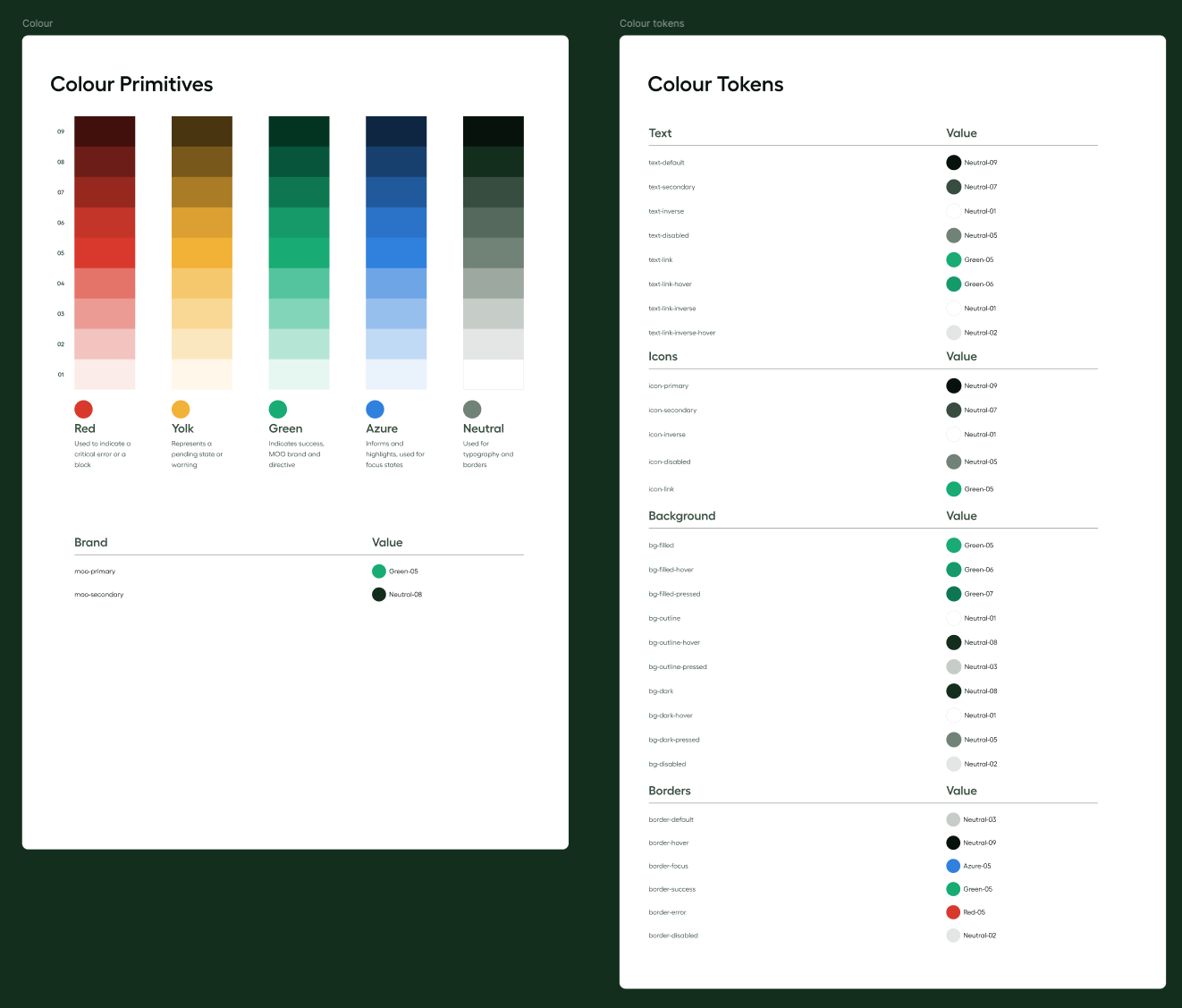
I explored wireframes and layouts using the existing Design System, iterating closely with the Product Manager and developers. The focus was on creating a simple, intuitive tool that met user needs while balancing technical constraints and delivery timelines.
User testing & launch
I conducted usability testing with internal stakeholders and real users through UserTesting.com, using feedback to refine the experience. Once validated, I prepared detailed Figma designs and specifications for development.
Development & release
I worked closely with developers to deliver the tool across desktop and mobile, supporting implementation through QA and design reviews. Before launch, I coordinated a final feedback and issue-tracking process with stakeholders using Notion and Miro.
Post-launch improvements
Using FullStory analytics, user testing, and surveys, we continued to identify opportunities to improve the tool. Insights informed future features, including drag-and-drop uploads, shareable proofs, and product changes within the tool, ensuring ongoing alignment between user needs and business goals.
Other work